 Deutsch
  España
  Francais
  Polish
  Russian
  Čeština
  Greek
Greek  Lithuania
  Romanian
  Arabic
  Português
  Indonesian
  Croatian
  Serbia
  Farsi
Farsi  Hebrew
  Mongolian
  Bulgarian
  Georgia
  Azerbaijani
  Thai
Thai  Turkish
  Magyar
 How to rearrange the order of photos in a photo album


If you want to rearrange the order of photos in a photo album, open the specific album in the admin account. Simply drag the photos to set their new order. After arranging the photos, click the green Finished button.
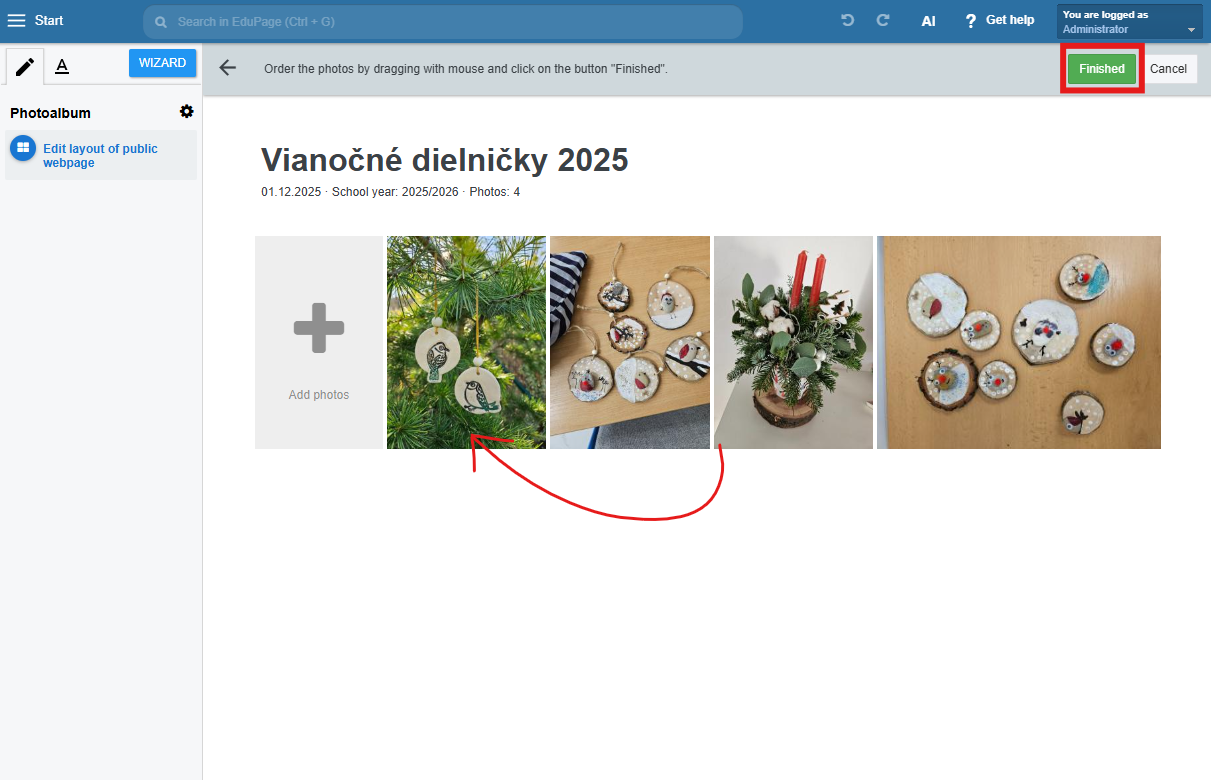
The order of photos is arranged according to the date they were added. New photos are automatically placed at the beginning of the album.