 Deutsch
  España
  Francais
  Polish
  Russian
  Greek
Greek  Lithuania
  Romanian
  Arabic
  Português
  Indonesian
  Croatian
  Serbia
  Farsi
Farsi  Hebrew
  Mongolian
  Bulgarian
  Georgia
  Azerbaijani
  Thai
Thai  Turkish
  Magyar
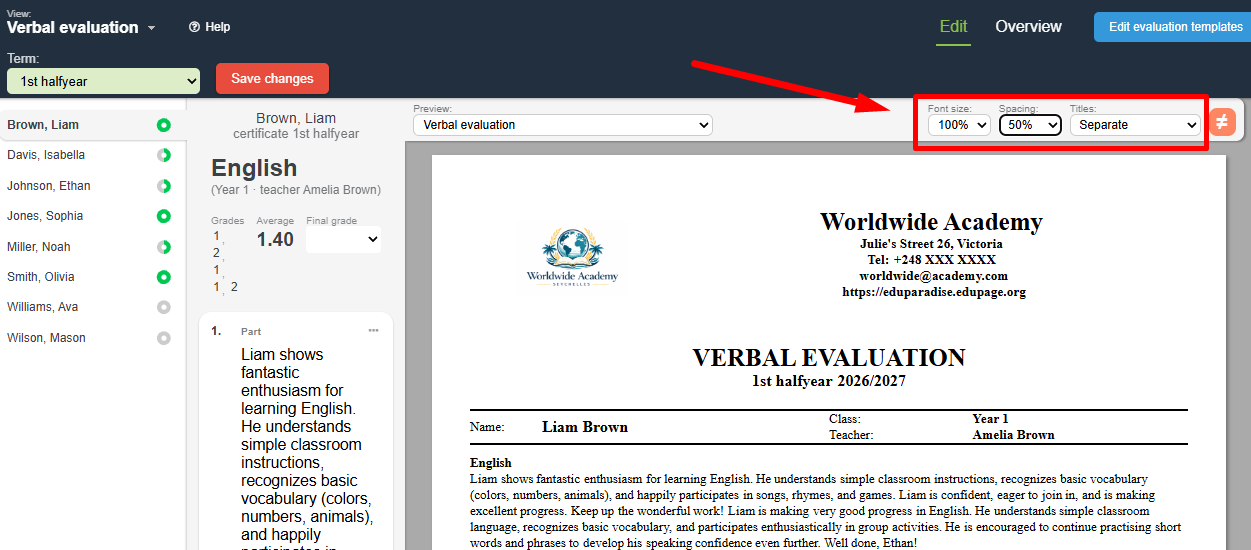
 How to change the font size, line spacing, or hide subject names


After entering the verbal evaluation text: How to enter and print a verbal evaluation on a certificate you can immediately change the font size, spacing size, or hide subject names:
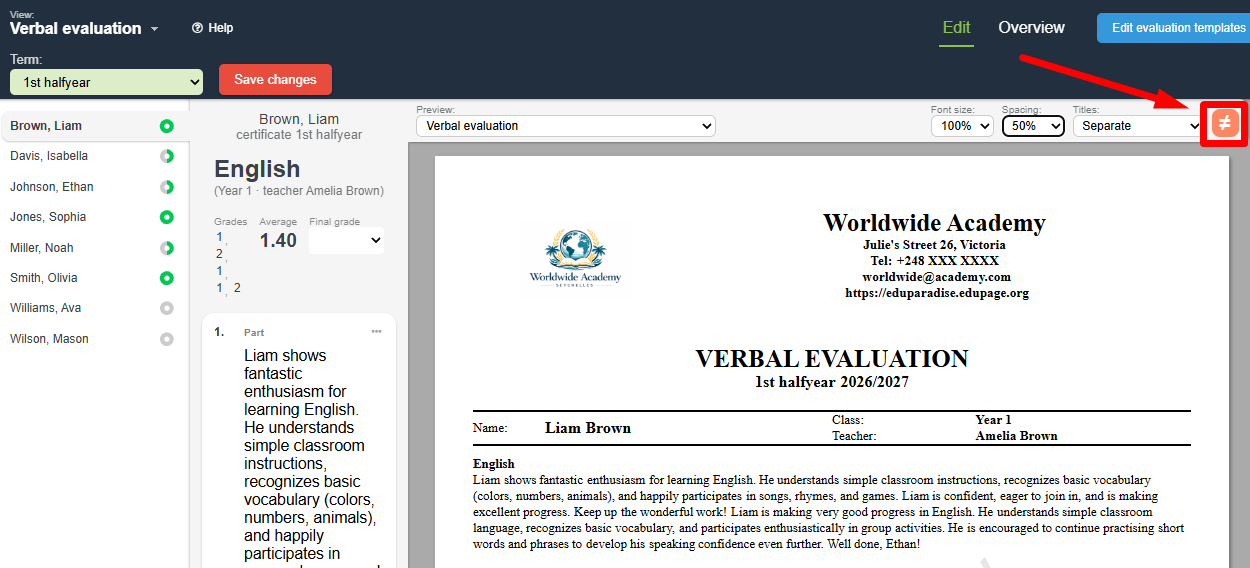
you can apply this setting to all students in the given class by clicking on the ≠ icon
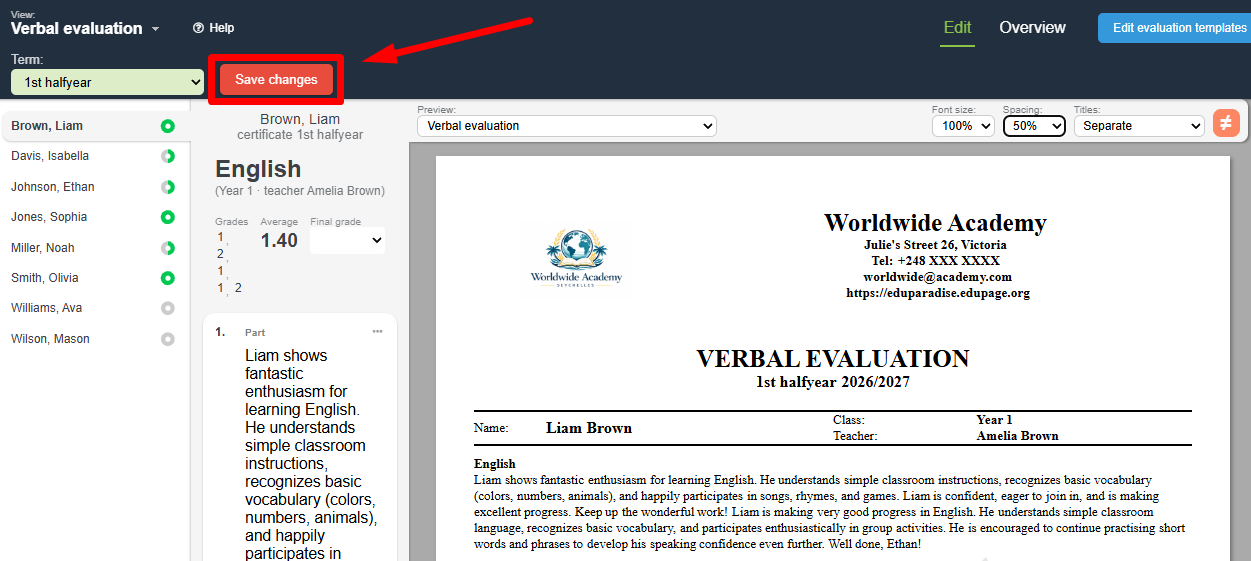
whenever you change any of these settings, remember to click save changes
and recalculate the report card: =How to recalculate report cards/statements?
If you need to have different text size settings for a single student, you can do so. In that case, do not apply the change to all students in the given class.